A common question keeps coming up as more people look at Apple’s M1 Macs for everyday computing—and even for light “home server” duty: if you move from an older Ubuntu x86 setup to an Apple Silicon machine, will your existing Docker workflow still work?
In a Docker Community Forums thread focused on this exact scenario, a user considering an M1 Mac mini for running “various containers and other things” lays out the central worry plainly: most of the images they use are x86-based, so what happens when the host is ARM? Do the images “run as expected,” is Rosetta 2 involved, and what needs to change?
### The short version: both can run—but architecture matters
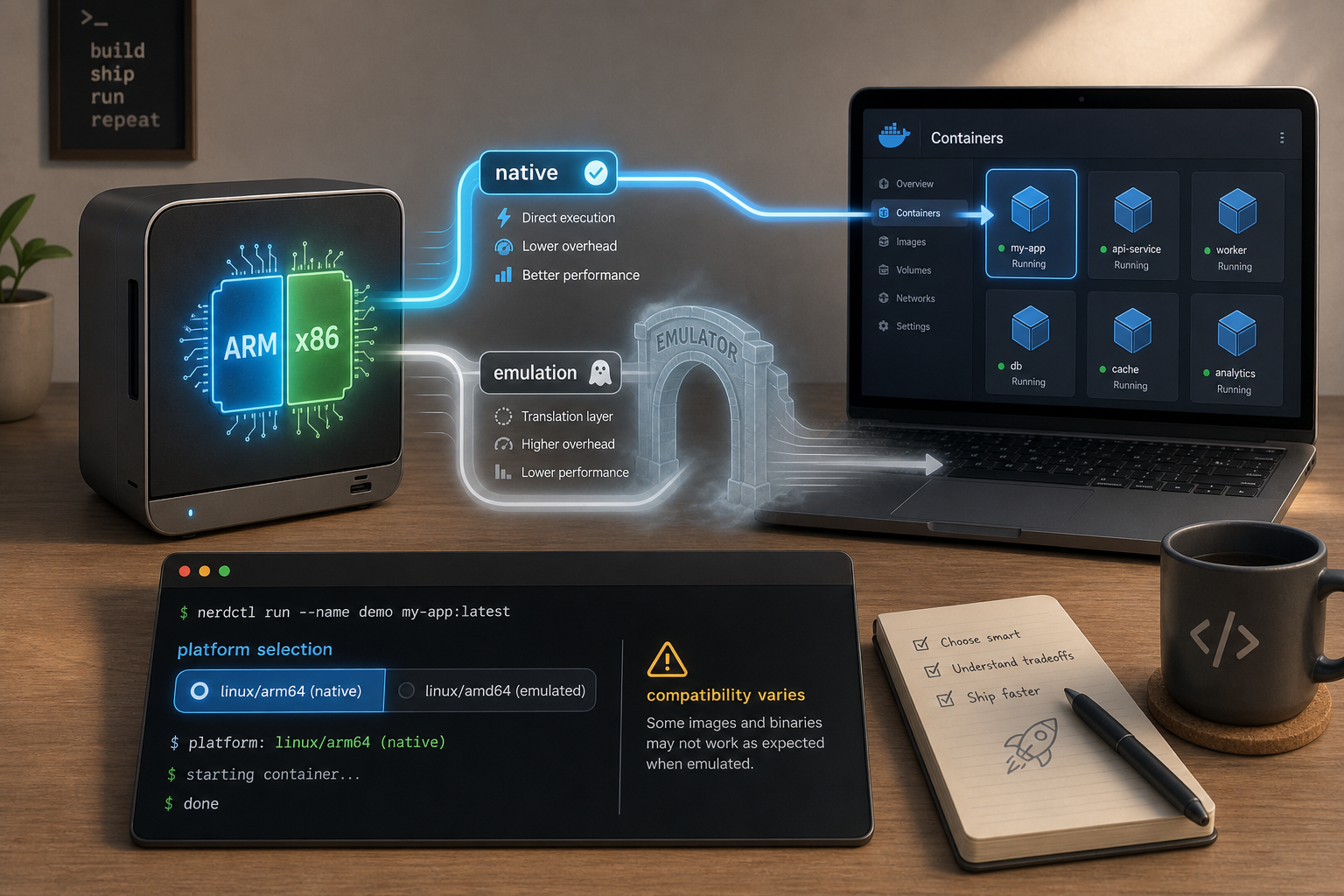
The discussion’s core takeaway is that Apple Silicon users can run ARM or Intel (x86) Docker containers using Docker Desktop for Mac (Apple Silicon). One respondent notes they do this routinely, with the default being ARM.
But the thread also makes the key limitation clear: when you choose to run a container image built for a different CPU architecture than the host, it has to be emulated.
### How people are doing it: selecting a platform
In the thread, the mechanism for running Intel images is described through the ability to specify a target platform (for example, using a flag to request an amd64 image). The conversation shows this is a practical lever for developers who occasionally need to run x86_64 images even on an ARM-based Mac.
At the same time, replies highlight that platform selection can be a source of confusion—one user reports an “illegal option” error when using the platform flag incorrectly, and another explains that the placement/order of the flag matters.
### Emulation is the tradeoff: performance and reliability
Once the topic turns to what’s happening under the hood, the thread converges on a realistic expectation:
– If you change CPU architecture, the container must be emulated (the conversation mentions QEMU in this context).
– Emulation can impose a performance hit.
– In some cases, an emulated image may not work at all.
One responder frames it in a way that’s useful for decision-making: Docker Desktop in this setup is “for development and emulation,” which is a reminder that “it runs” doesn’t always mean “it runs the same as native.”
### Practical reality: not every image behaves the same
Even within the same thread, you can see the uneven edges:
– Some users report success running Intel images with the right platform setting.
– Others mention that certain images don’t work, or that results vary.
– There’s also a note that memory constraints can become part of the picture when testing particular container images on an M1 system.
### What this means if you’re considering an M1 Mac for containers
The narrative that emerges is neither hype nor doom—just a clear-eyed “it depends.” The forum conversation suggests Apple Silicon can be a capable Docker development environment, especially when you use ARM images natively. When you need x86 images, Docker Desktop can often run them via emulation, but you should expect a potential performance penalty and occasional incompatibilities.
If your container library is heavily x86-only, the thread is a nudge to test your specific images before you commit to migrating your whole setup. And if ARM variants exist for what you run, that’s where the experience is most straightforward—because the default path on Apple Silicon is to run ARM images natively.
Leave a Reply